Sample QR codes
Test codes for the Collection Scanner app. Open the app on your
phone, tap Scan, then point the camera at one of these codes on this
screen (or print them out). Each one encodes a register entry's @id.
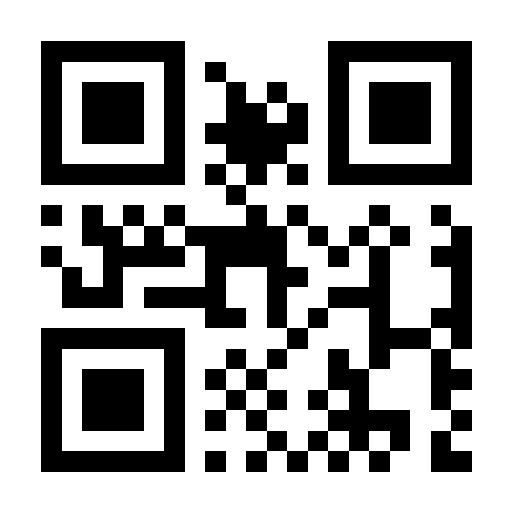
#reg-2023-014
Portrait of a Woman
Catalogued
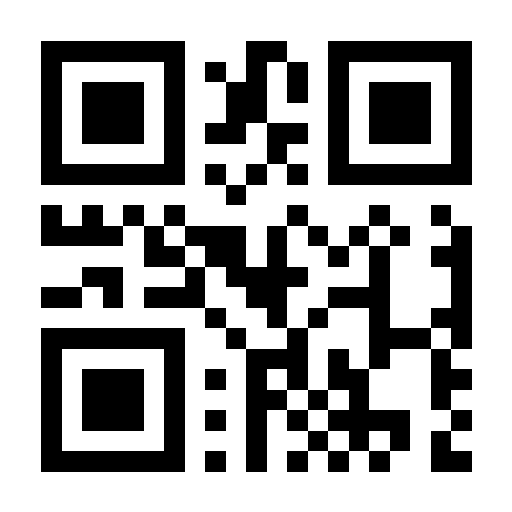
#reg-2023-021
Bronze Horse Figurine
Catalogued
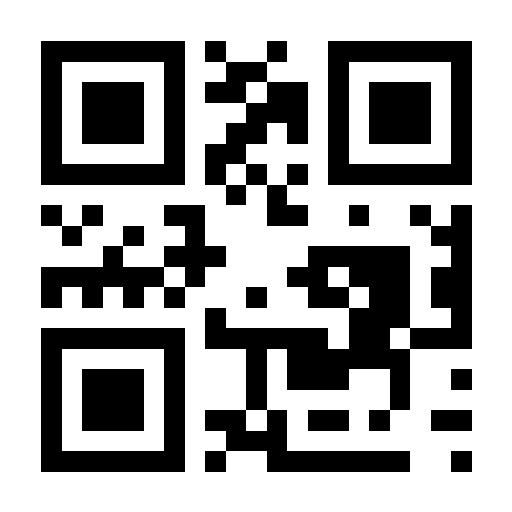
#reg-2023-033
Handwritten Diary, Volume II
Catalogued
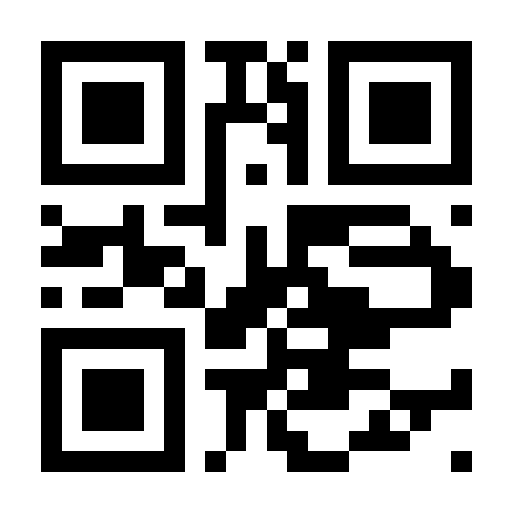
#reg-2023-047
Ceramic Vase with Blue Glaze
Catalogued
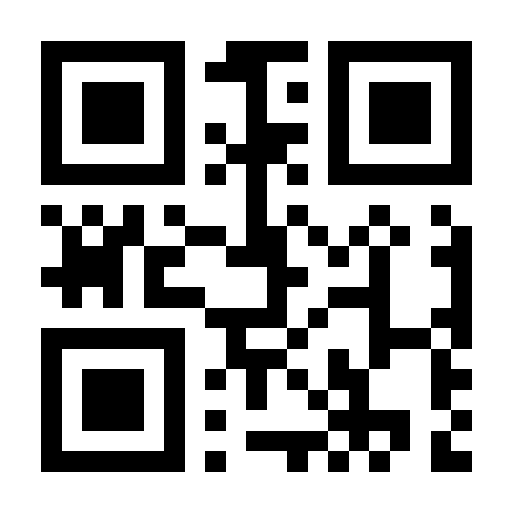
#reg-2023-058
Wooden Carved Box
Register only
Not yet catalogued — scan it to try "Create catalogue entry".
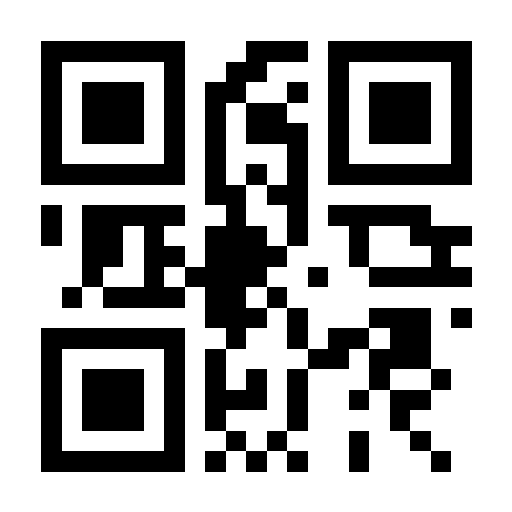
#reg-2023-061
Framed Certificate
Register only
Not yet catalogued — scan it to try "Create catalogue entry".
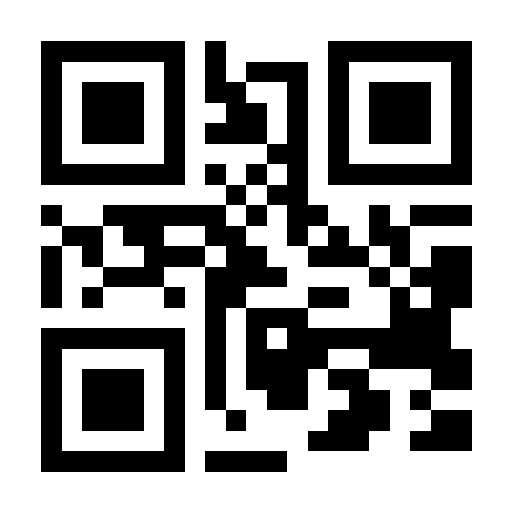
#new-001
Unassigned
Doesn't exist in the sample data — scan it to try the "new register entry" flow.
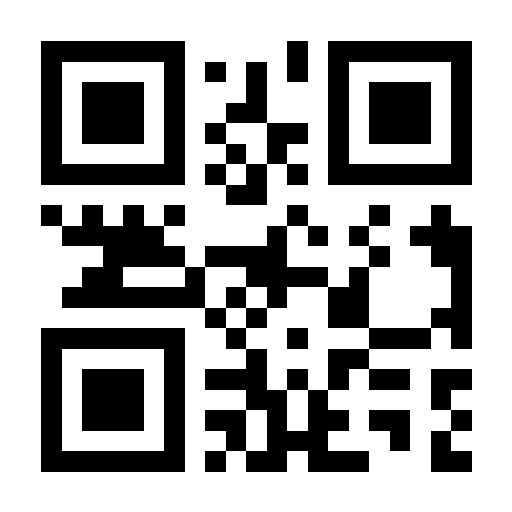
#new-002
Unassigned
Doesn't exist in the sample data — scan it to try the "new register entry" flow.
The sample data itself (needed before any of these codes will match) can be loaded from the app's Setup screen — use "Load sample data" for both Catalogue and Register.